
The Magic Red Casino app question does not have one clean yes-or-no answer in the available Canadian material. Two Ontario-focused reviews describe Magic Red as a mobile-browser casino with no separate app, while one app-focused guide says an iOS app exists and also describes a web app or PWA for both iPhone and Android. None of these sources establishes a current Canadian App Store or Google Play listing. For that reason, the most defensible option is browser or home-screen access, with any native-app claim treated as disputed rather than as a confirmed download.
This guide explains those source positions, how iPhone and Android access differ, and how to create a browser shortcut without using an APK. It does not provide a download file or claim that mobile access is currently functioning.
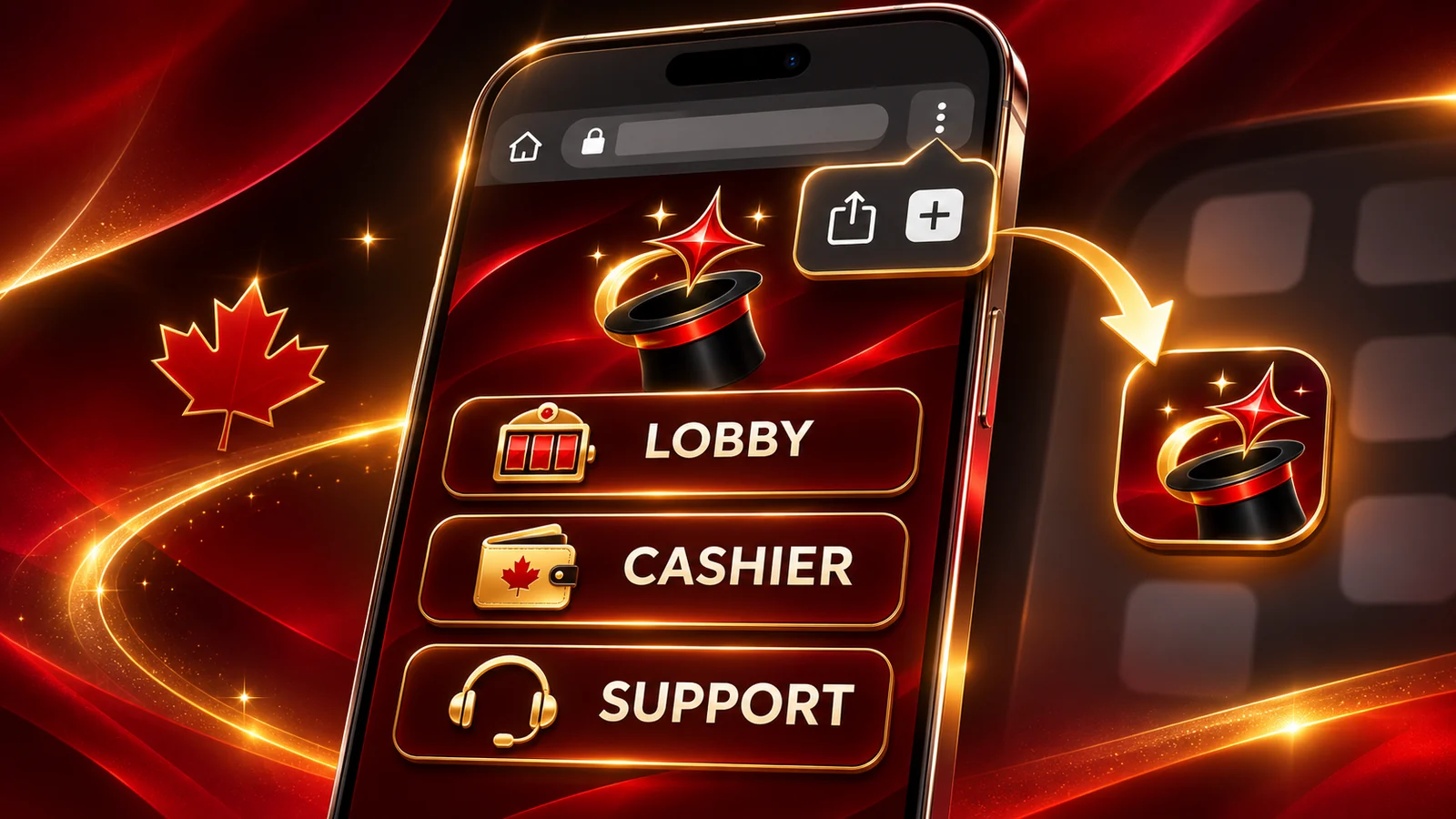
Magic Red mobile access at a glance
For Canadians comparing Magic Red Casino app options, the recurring source position is that the site is designed to run through a mobile browser using HTML5. Safari on iPhone and Chrome on Android are the practical routes described most consistently. A browser shortcut can make that experience look and behave more like an app icon without installing native software.
| Device or route | What the sources say | Practical conclusion |
|---|---|---|
| iPhone and iPad | Canadian reviews describe Safari access with no native app. One app-focused guide separately claims an iOS app exists. | Browser or PWA access is the better-supported route. Do not assume a current Canadian App Store listing. |
| Android phone or tablet | The sources describe Chrome or PWA access and do not establish a Google Play app. | Use the browser pattern described by the sources. Avoid third-party APK files. |
| Home-screen shortcut | A Canada-focused browser guide gives a five-step shortcut process. | This offers quick icon-based access without a native download. |
| Desktop-to-mobile use | Browser access is presented as the common route across device types. | Expect the same account route in a responsive layout, but check the page on your own screen before relying on it. |
Is there a native Magic Red Casino mobile app?
The source disagreement matters. Two Ontario and Canada-oriented reviews say there is no standalone Magic Red Casino mobile app and describe full access through the browser on iOS and Android. A separate app specialist says there is an iOS App Store app, no native Google Play app, and a PWA that works on both operating systems. Another Canada-focused browser guide supports the no-separate-app position.
Those accounts cannot be reconciled from the supplied information, so this page does not choose one as a current fact. In particular, it would be misleading to turn the single iOS claim into a promise that Canadians can presently find or install a Magic Red Casino iPhone app. The shared ground is narrower and more useful: multiple sources describe browser-based mobile access, and the app specialist also presents a PWA as the cross-platform option.
A French-language casino catalogue adds support for mobile-browser compatibility but gives no native-app details. It strengthens the browser case without settling the iOS disagreement.
iPhone access: Safari, shortcut, and the disputed iOS claim
On an iPhone, the source-backed approach is to open the casino route in Safari and use the responsive site. The app-focused guide's native iOS claim remains part of the record, but there is no basis here for a current Canada-wide store-availability claim. There is also no direct App Store link to recommend.
If the page you open offers the expected mobile layout, a Safari home-screen shortcut can provide app-like access. The icon launches the website rather than installing a native program. That distinction is worth keeping clear: a shortcut can be removed like any other icon, but its content and account functions still come from the browser session.
Sign-in errors, forgotten passwords, and account recovery belong in the Magic Red Casino login guide. This page covers the device route, not recovery steps.
Android access: Chrome or PWA, not an unverified APK
The Magic Red Casino Android app query has a more consistent answer in the source set. The app specialist says there is no Google Play native app, while the Canadian browser material describes Chrome and PWA access. No accepted source establishes a current Google Play listing for Canada.
An APK is an Android installation file distributed outside Google Play. The sources warn against third-party Magic Red APK downloads, and there is no download file endorsed here. An APK from a directory, message, pop-up, or copied link can ask for broad permissions or install software whose origin is unclear. A browser shortcut avoids that installation path entirely.
If a page prompts you to change Android security settings, enable installation from an unknown source, or download a package before showing the casino lobby, stop there. That is not the browser/PWA pattern described in the Canadian material.
How to add Magic Red to a home screen
The Canada browser guide describes five basic setup steps. Button names vary slightly by browser version, but the route is straightforward:
- Open the intended Magic Red page in Safari on iPhone or Chrome on Android.
- Wait for the mobile page to load and confirm that you are still on the route you meant to open.
- Open the browser's Share menu on iPhone or the main menu in Chrome.
- Select Add to Home Screen, Install app, or the equivalent shortcut option shown by the browser.
- Review the displayed name, add the icon, and launch it once to confirm that it returns to the same browser-based route.
This process does not prove that a native app exists. On some Android devices, Chrome may use the word "install" for a PWA even though the experience is still web-delivered. The useful check is whether the shortcut returns to the expected site without requesting a separate APK.
What to check in the mobile experience
A shortcut is only a convenience. Before treating the mobile version as useful, check whether its core controls remain readable and usable on your device. The source material discusses the lobby, cashier, KYC area, support tools, and responsive game controls as the functions that matter.
| Mobile area | What to look for | Why it matters |
|---|---|---|
| Lobby and search | Readable categories, a usable search field, and controls that fit the screen | A large catalogue is not helpful if navigation is cramped or obscured. |
| Game controls | Buttons, balances, rules, and limits that remain visible in portrait and landscape views | Responsive controls reduce accidental taps and missed information. |
| Cashier and KYC | Clear transaction options, document prompts, and status messages | Payment and verification detail should not disappear on a small screen. |
| Support | A help route that can be opened without covering the whole page | Mobile users need a way to leave the game view and find assistance. |
| Session controls | Visible sign-out, account, and responsible-play options | These controls should be easy to find on a personal or shared device. |
These are evaluation points, not claims from a personal test. For the wider product assessment, including strengths and limits beyond mobile delivery, see the Magic Red Casino review.
Mobile security and APK cautions
The simplest security decision is also the clearest: do not install a third-party Magic Red APK based on a search result, advert, chat message, or download directory. The browser sources specifically favour web access and caution against APK files. This page provides no APK, download mirror, store badge, or direct installation link.
- Use a locked personal device rather than a shared phone or tablet.
- Do not approve unexpected app-install permissions for browser access.
- Keep passwords and payment details out of screenshots sent through ordinary messages.
- Read account, payment, and document prompts at full size before submitting anything.
- Remove a home-screen shortcut if it begins opening a different route from the one you saved.
For mobile cash-out steps and identity-check detail, use the Magic Red Casino withdrawal guide. Offer values, playthrough, eligible games, and expiry rules are covered separately in the Magic Red Casino bonus guide.
Browser access or native app: which is the better fit?
Based on the available Canadian descriptions, browser or PWA access is the more defensible choice for both platforms. It covers iPhone and Android, does not depend on a disputed store listing, and avoids an APK download. Its trade-off is that it remains a website session: browser settings, saved sign-in state, and the quality of the responsive layout affect the experience.
A native iPhone app could offer a more integrated interface if the app specialist's claim applies to a user's region and time, but the other sources contradict that claim and no current Canadian listing is established. There is even less support for a native Android app. The practical verdict is therefore browser-first, not because a native iOS version has been disproved, but because the source set supports web access more consistently.
Magic Red Casino app FAQ
Does Magic Red Casino have an app in Canada?
The sources disagree. Two Canadian/Ontario reviews and a Canada browser guide say there is no separate native app, while one app specialist claims an iOS app exists. No source used here establishes a current Canadian store listing. Browser or PWA access is the recurring position.
Can I use Magic Red Casino on an iPhone?
The source material describes Safari and home-screen access on iPhone. One guide also claims a native iOS app, but that conflicts with several Canadian reviews, so this page does not present it as currently available in Canada.
Is there a Magic Red Casino Android app?
The app-focused source says there is no native Google Play app and recommends the web app or PWA. Canadian browser material also describes Chrome access. No current Google Play listing is claimed here.
Is a home-screen shortcut the same as an app?
No. A shortcut or PWA can open in an app-like window, but its content is delivered through the web. It does not turn an unconfirmed native listing into an installed store app.
Should I download a Magic Red APK?
No APK is endorsed or provided on this page. The available Canada-focused guidance warns against third-party APKs. Browser or PWA access avoids installing a package from an uncertain source.
Can I handle bonuses and withdrawals on mobile?
The sources describe cashier and account functions as mobile features to check, but detailed terms do not belong to this page. Use the dedicated bonus and withdrawal guides for those decisions.